


Mac mini 2010
As mentioned before how much I am looking forward to the new Mac mini, so here it is. Got my hands on a Mac mini earlier and I have been extremely happy with it. It is so simple, yet so easy to use. I am consolidating my anime storage and anime download into this energy efficient aluminum enclosure of goodness.
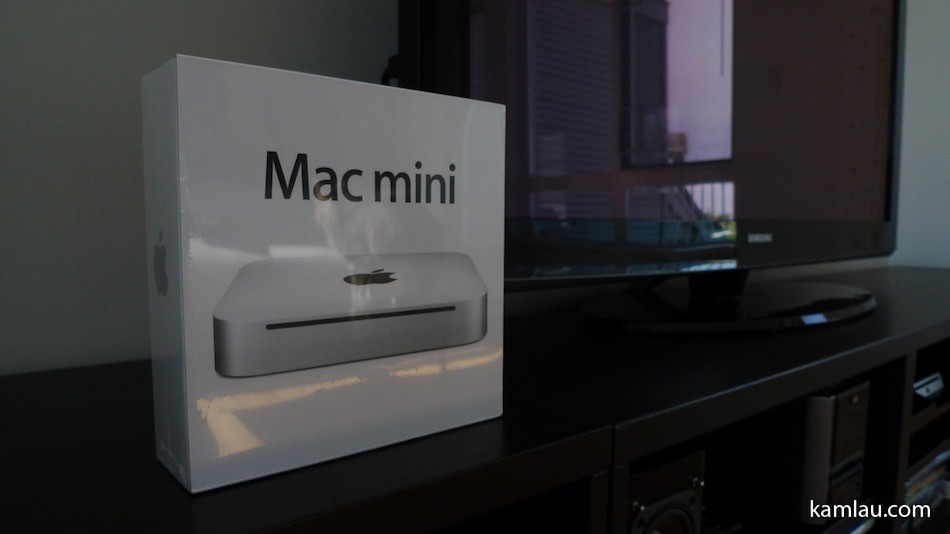
Will start with some deboxing photos.
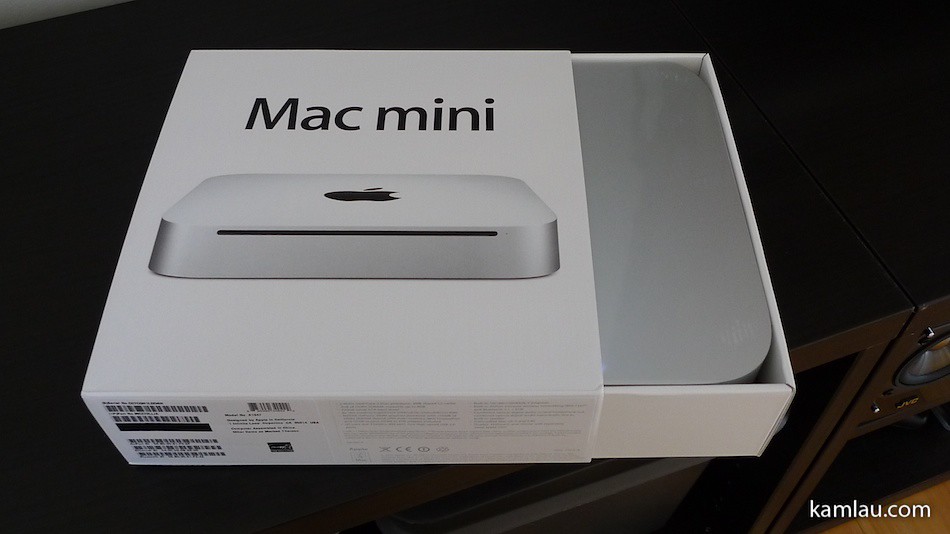
Unwrapped the plastic and there it slides out from the side of the box.
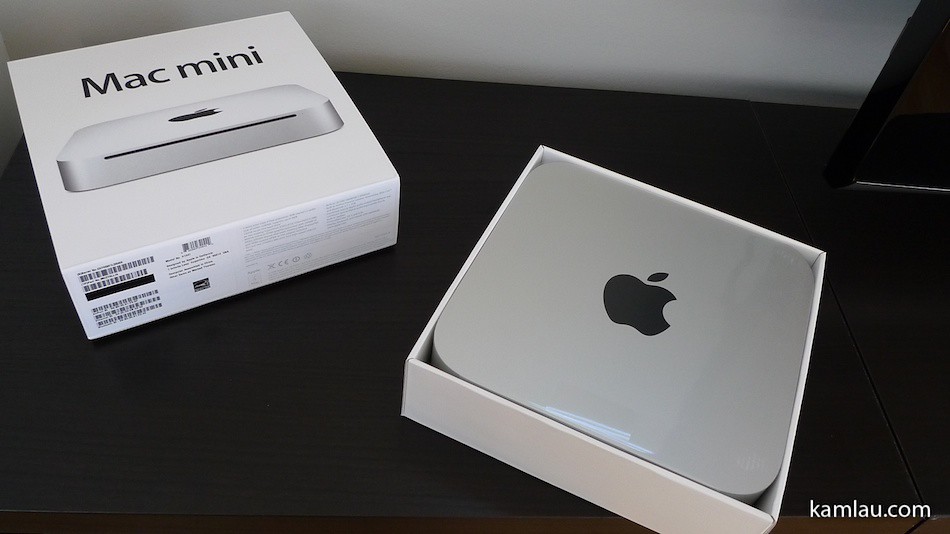
Again, very minimal packaging, no styrofoam or cardboard padding. Don’t know how Apple protects the products during shipment but none of my Apple products I bought are defective or dead-on-arrival. So either they have super styrofoam padding around their shipping containers or they are just handling it right.
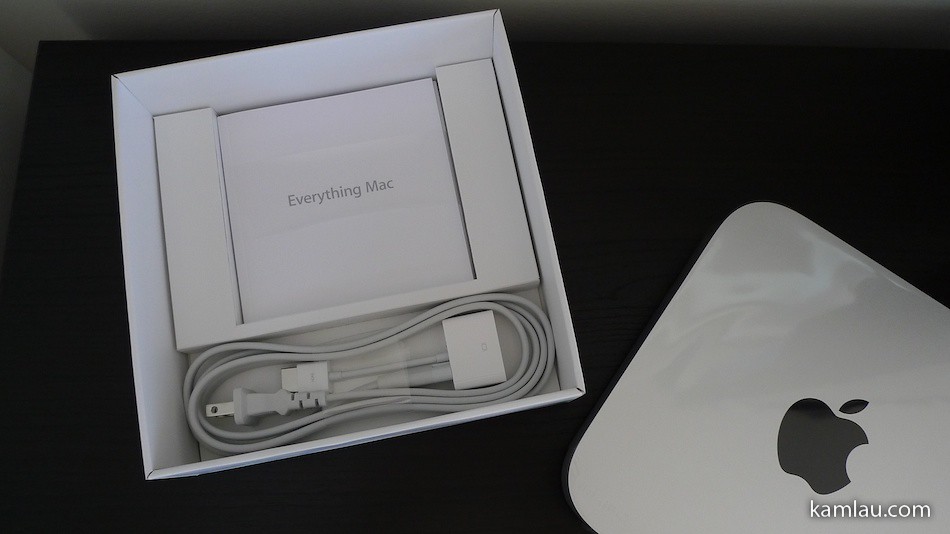
Also minimalistic is the amount of stuff that comes with the Mac mini. A power cord, a HDMI-DVI adaptor, a couple installation CDs and some small printed materials.

Of course, the product is wrapped with the typical transparent protective plastic. It is amazing how they keep it so dust free. Plastic attracts dust easily as far as I know.
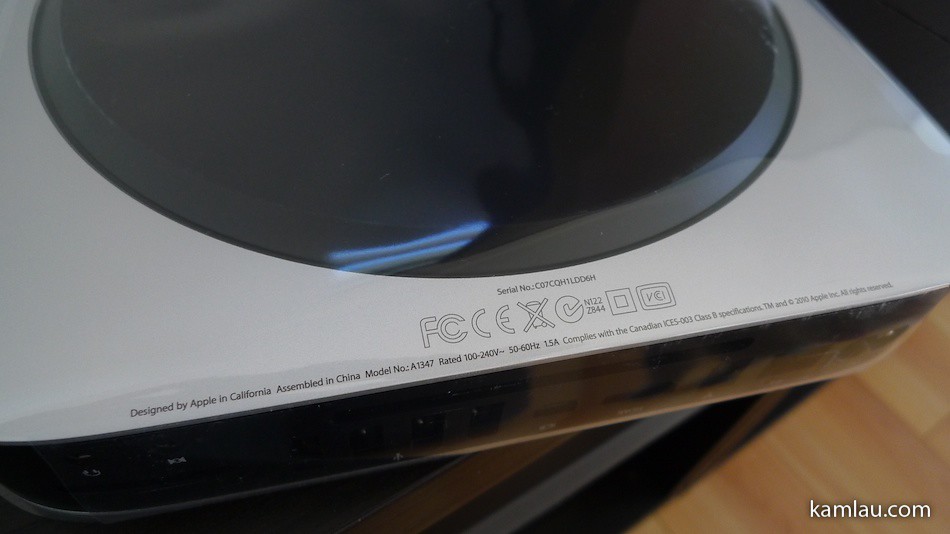
Some certification logos at the bottom. How many of these do you recognize?
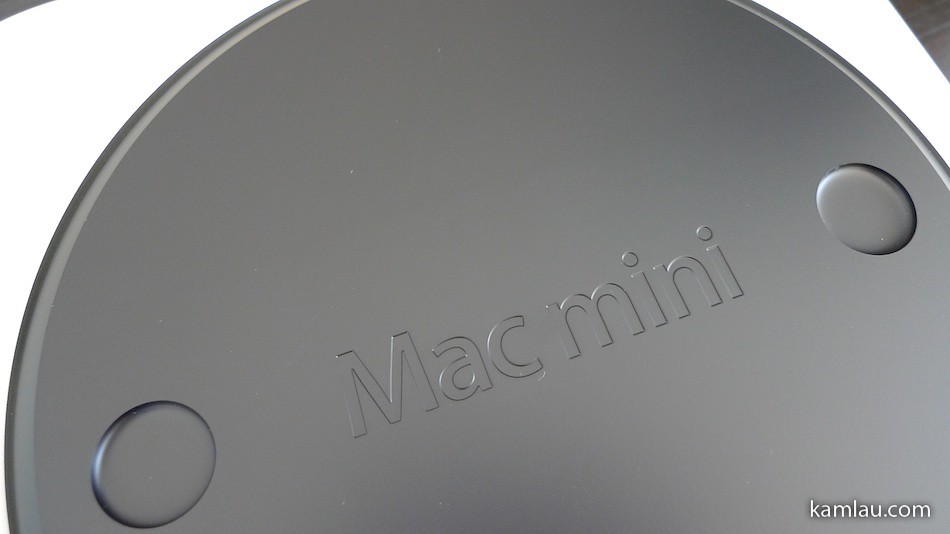
The bottom of the Mac mini can be twist-open.
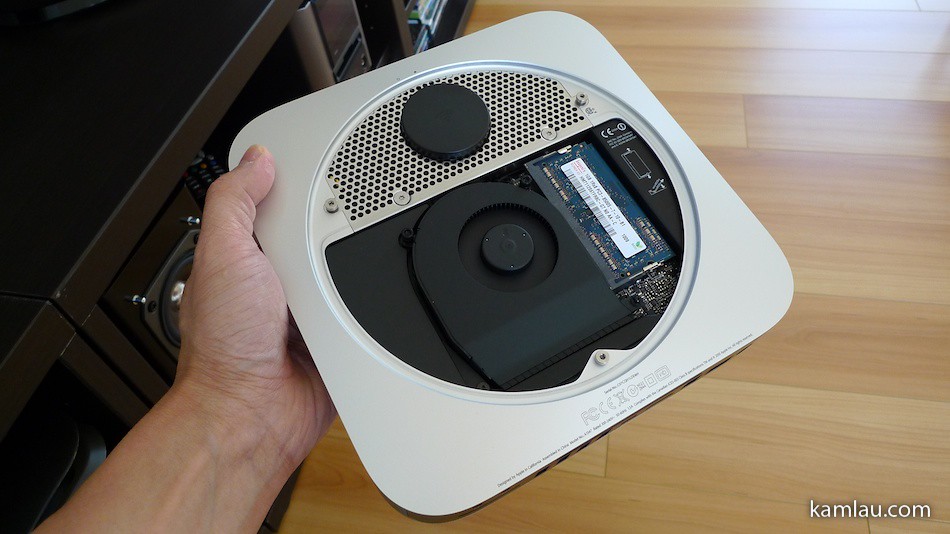
So here it is, just checking out the memory access that is not available in previous generations of Mac mini’s.
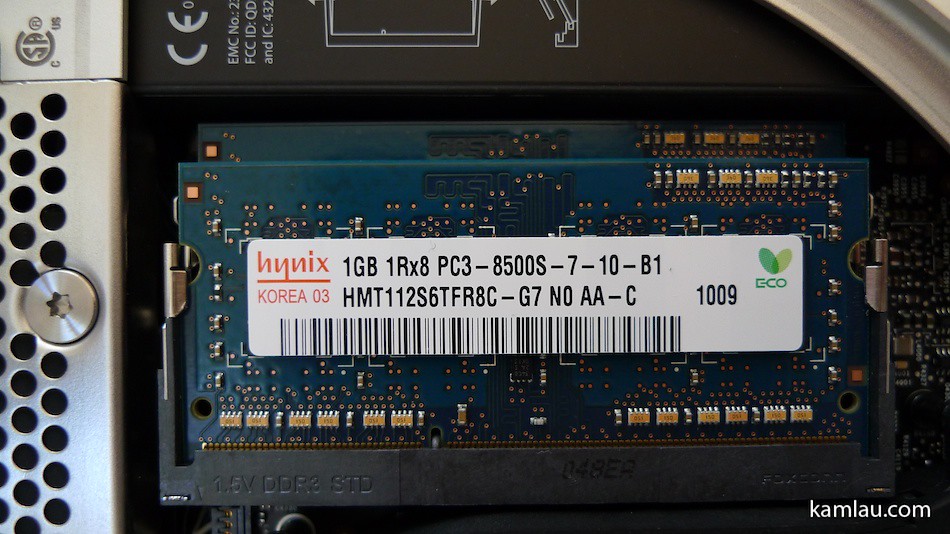
Looks like some generic memory chips. It comes with 2GB of memory and supports up to 8GB. That would be very nice for running it as a server, like what these folks do.
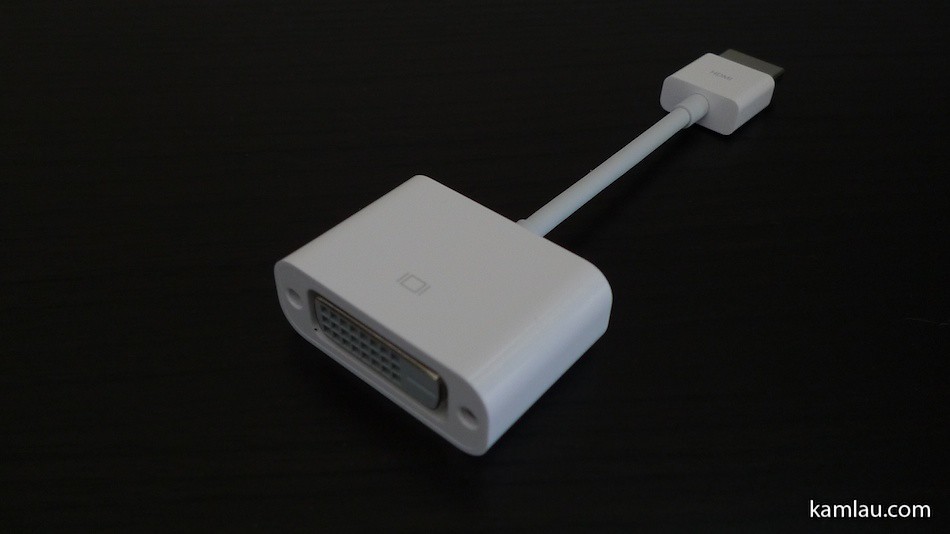
The HDMI-DVI connector is provided for compatibility with most monitors. At least, Apple didn’t ask us to pay extra for this.
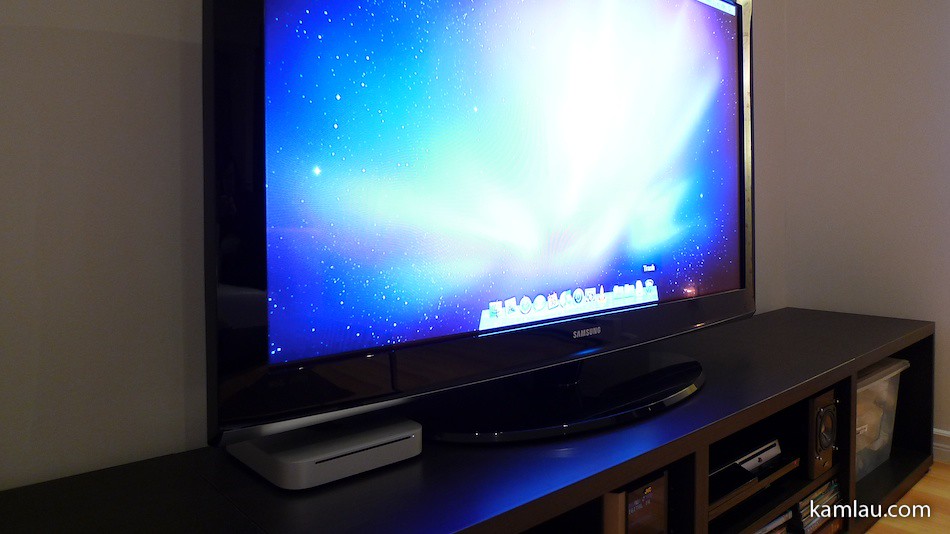
Have it connected to the TV using the HDMI out. This Mac mini replaced my previously enjoyed WD TV Live unit. The Mac mini is connected to my Airport Extreme wirelessly. Since it is positioned on a different floor, the signal the Mac mini got was a bit weak. I added the Airport Express near the living room to repeat the signal (extending the wireless network) and that improves the signal and connection speed back to about 140Mbps.
With the Mac mini, I don’t have to rely on a remote control for navigating into my anime collection. Because it is a computer, I can use a mouse and keyboard with it. But using a mouse and a keyboard on a sofa is a bit awkward. Instead, I downloaded Rowmote to my iPad and iPhone as a way to interact with the Mac mini. With Rotemote helper downloaded to the Mac mini and Rowmote configured on the iPhone and iPad, I can use my iPhone or iPad as an input device. It provides trackpad and virtual keyboard functions to a Mac computer. I have to say, it “completes” the setup :)
Some videos of how Rowmote works with a Mac computer:
Now I can resume watching anime in the living room during dinner time, instead of eating in front of the iMac at my desk :)
What do you watch during dinner?


I’m really curious as to what it feels to have a mac mini… but too bad I don’t have enough space to place a TV on my room since it’s already cramped enough.. but monitor would be nice too. It’d be awesome to have a tv/monitor connected with a Mac Mini. And yes I eat in front of the pc either watching anime or play handheld VGs. lol
At home, I transitioned from Windows to my iMac and never looked back :P I don’t miss having to think about backups and updating virus definition files.
I’m also looking forward to getting my hands on one too! Want to replace the aging mini that’s currently hooked to my TV. ^^.
Do you currently use any remote with your Mac mini? Wonder if you have any other recommendations.