


Apple Magic Mouse
I am very happy about the Apple Magic Mouse. I have been using it for a while now. It didn’t take much to get used to. It is simple and yet functional, a trait of good design.
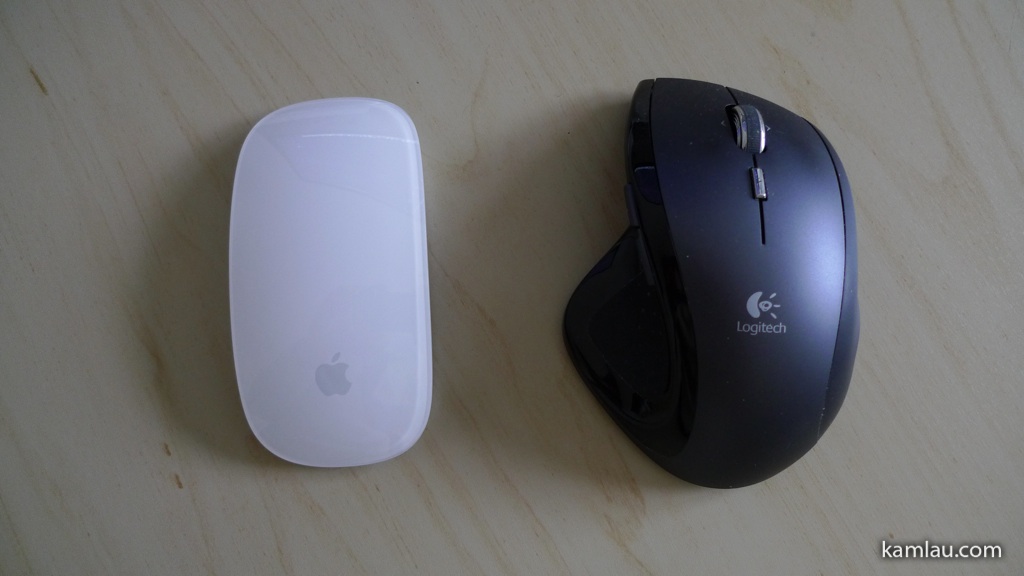
I used to use the Logitech MX Revolution mouse. I like it that it has a lot of buttons and controls, and the flywheel design is great for scrolling through long pages. The thumb wheel and the thumb buttons are also configurable to have custom functions. The little Search button (below the main scroll wheel) works well to bring up the Search window in Windows or Spotlight in OSX. The Logitech MX Revolution is also a rechargeable wireless mouse. It comes with its own recharging station and power adapter. It is a full-featured mouse! That said, it is 3 years old and Logitech moved on to more recent models.
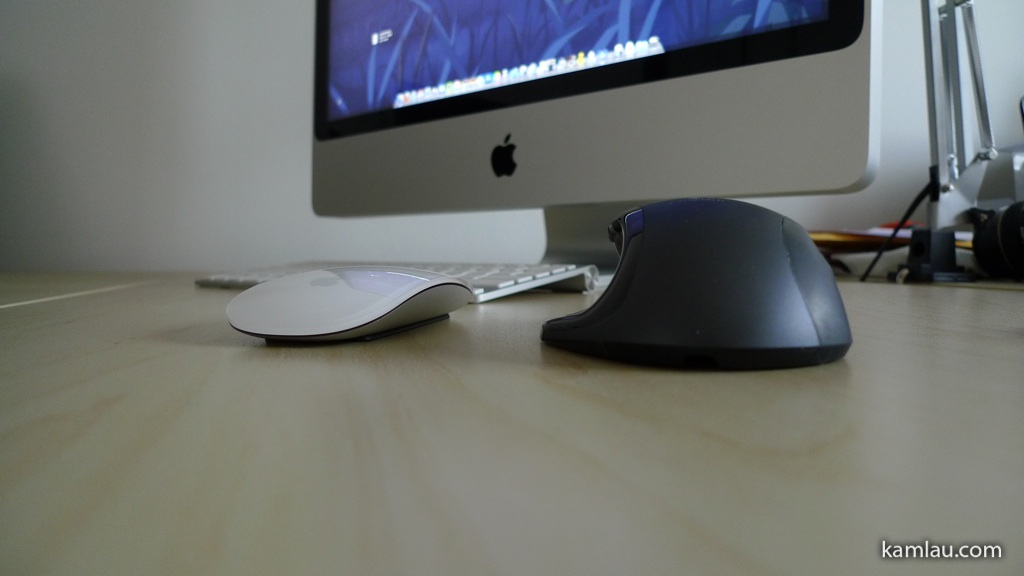
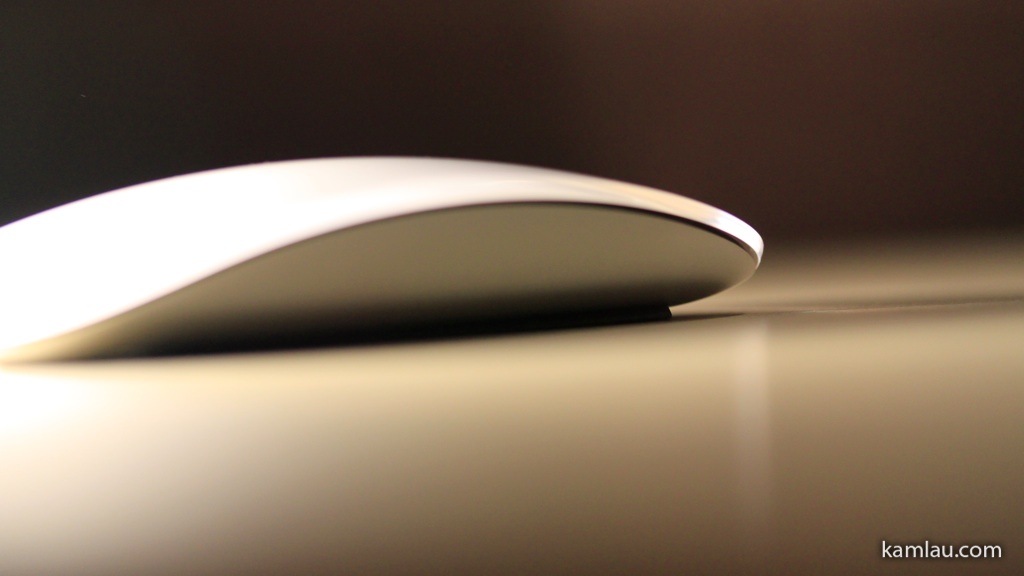
Compared to the Magic Mouse, the obvious difference is the size. You can see the profile of the Magic Mouse is a lot lower. From an ergonomics point of view, you can operate the Magic Mouse without tilting your wrist much. It is almost like you are just resting your palm on the desk while using the Magic Mouse.
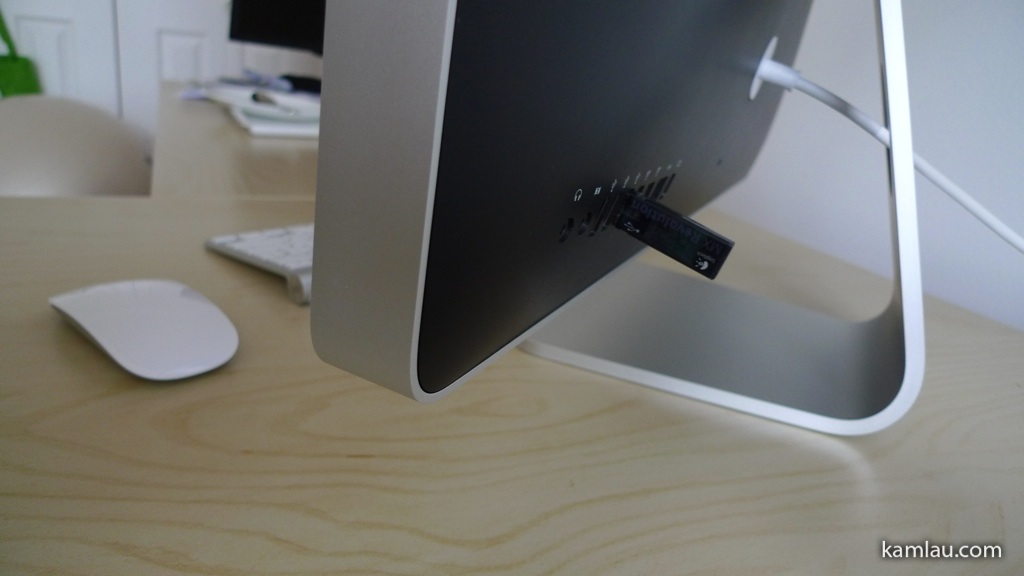
And because the MX Revolution is designed to work with both a PC and a Mac, it uses an RF USB receiver.
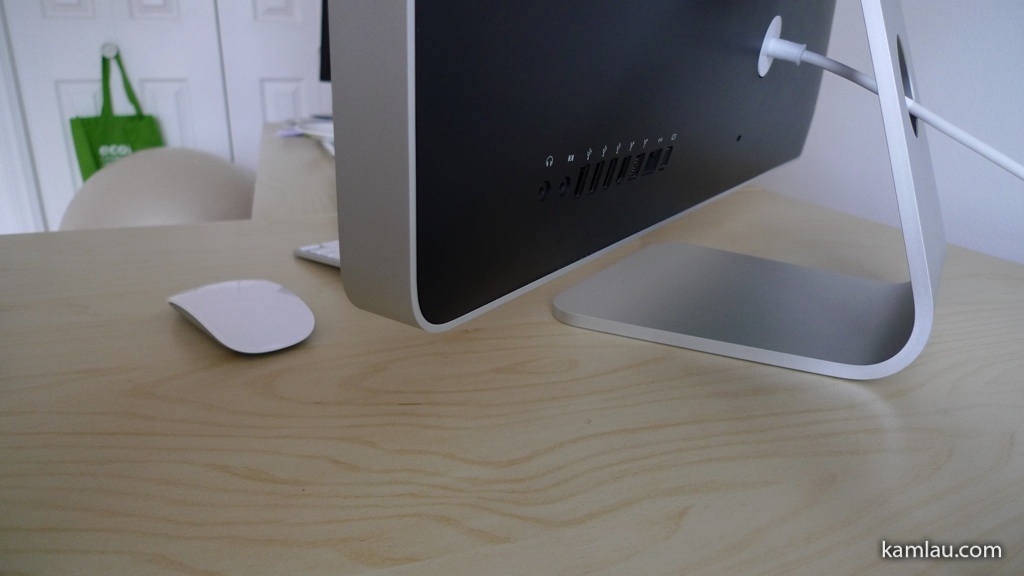
The Magic Mouse is a Bluetooth device and works wirelessly with a Mac without any adapter. So now my iMac only needs the power cable. Now, I can have all 3 USB ports available for other devices.

Like all other Apple products, design is a key element of the Magic Mouse. It is so minimalistic that there is nothing but a smooth surface on the top. The shiny plastic top is also the button and the touch sensitive surface. Like the previous generation (the Mighty Mouse), the mouse can sense if you are left or right-clicking. Because of the touch sensitive surface, the Magic Mouse can also scroll up-down and left-right without using a ball or a scroll wheel. The scrolling can also be configured to simulate “momentum” so that it accelerates and decelerates when you flick your finger on the touch-sensitive surface. It is a joy to use.
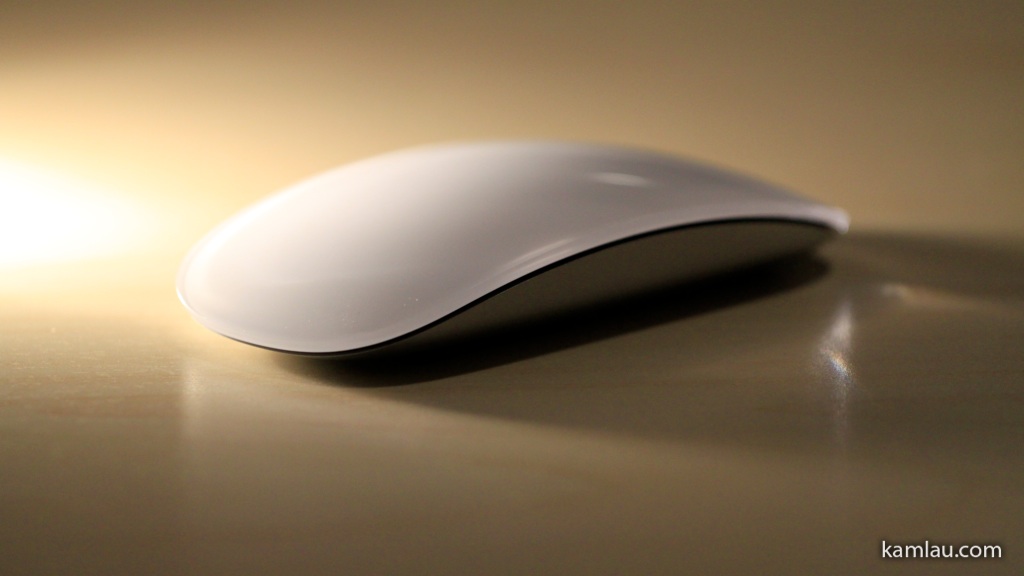
The bottom surface is aluminum (or aluminium if your are Aussie or British :)), matching most other Apple products.
With the multi-touch capability, it comes with some standard gestures like flipping through photos using two fingers by swiping them left or right. If the standard gesture is too plain to play with, you can also try the free MagicPrefs.


Leave a Reply
Want to join the discussion?Feel free to contribute!